/bin/bash -c "$(curl -fsSL https://raw.githubusercontent.com/Homebrew/install/HEAD/install.sh)"
echo 'eval "$(/opt/homebrew/bin/brew shellenv)"' >> ~/.zshrc
source ~/.zshrc
brew install pyenv
echo 'export PYENV_ROOT="$HOME/.pyenv"' >> ~/.zshrc
echo 'export PATH="$PYENV_ROOT/bin:$PATH"' >> ~/.zshrc
$pyenv install --list
$pyenv install 3.10.11
echo 'export PATH="$PYENV_ROOT/versions/3.10.11/bin:$PATH"' >> ~/.zshrc
curl -sSL https://install.python-poetry.org | python - --version 1.5.1
echo 'export PATH="$HOME/.local/bin:$PATH"' >> ~/.zshrc
$ curl -sSL https://install.python-poetry.org | python - --version 1.5.1
$ curl -sSL https://install.python-poetry.org | python - --uninstall
Main
Menu

















































































































































































































































































































































































































































































Abstract#
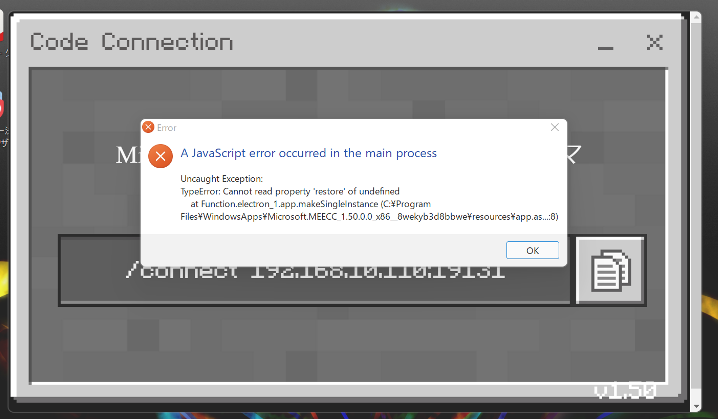
国交省のPlateauプロジェクトでオープンになっているデータを使ってマイクラで遊ぶのにも、あときっとAIを使うにも、Pythonから逃げられなくなっている気がする。ちょっとわからないことをここにメモTopics#
Mac#
install#
- Brewを入れる
[1]を参考にした- python
でインストールできるPythonのバージョンを確認 とか打って、好きなバージョンをインストール。 パスに組み込むWindows#
Install#
Practice of Python#
debug#
Visual Studio CodeでPythonってデバッグできないかな。まずVSCでPythonの開発環境を.https://marketplace.visualstudio.com/items?itemName=ms-python.pythonReferrence#