Eclipseを使わずにJavaプロジェクトの新規作成をしたい場合があります。コマンドライン上で適切なフォルダに移動し、下記のコマンドを打ち、パッケージ名とかプロジェクト名をインターアクティブに入力していくとプロジェクト名のフォルダができています。そのフォルダをVisual Studio Codeで開くと実行できます。
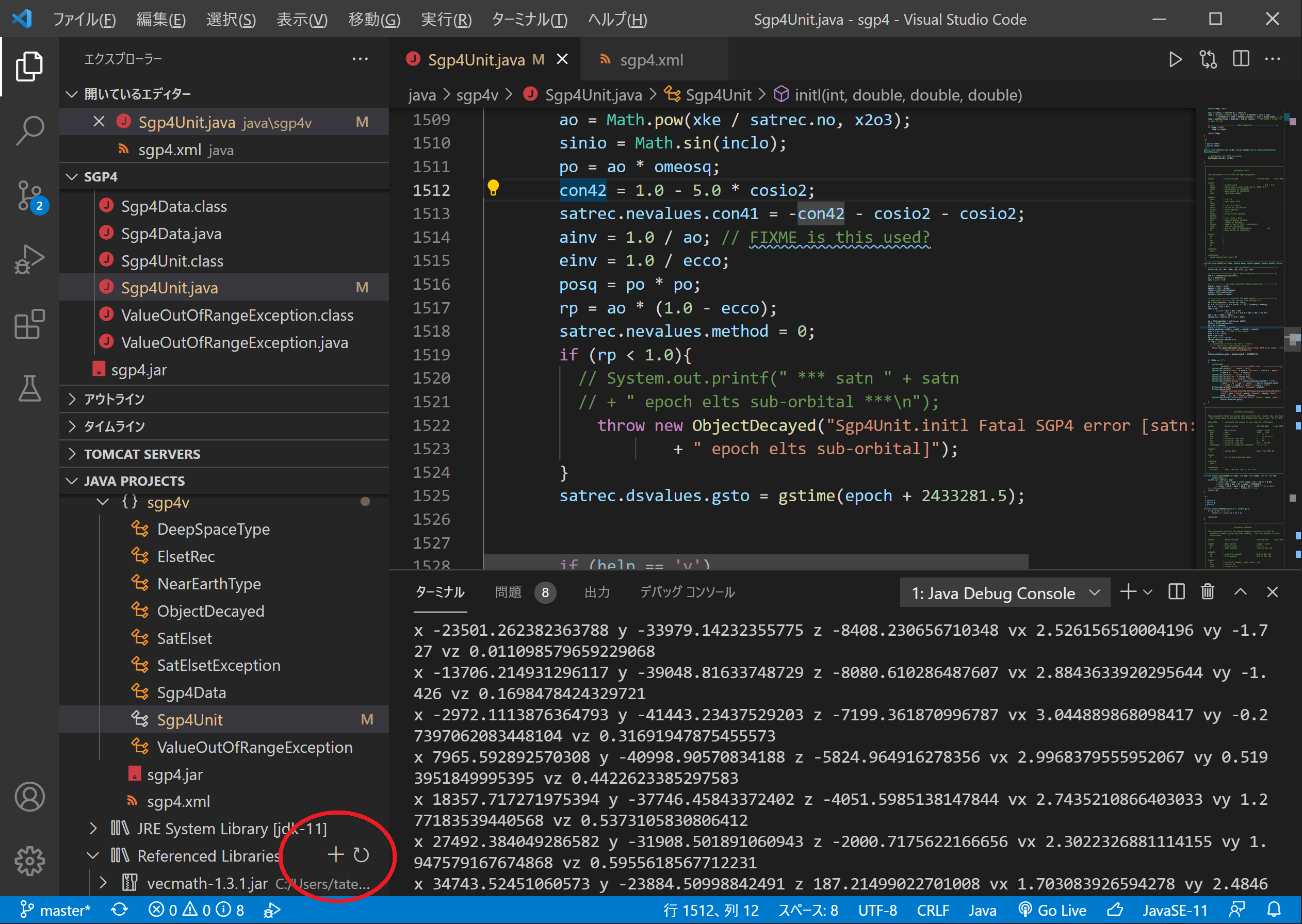
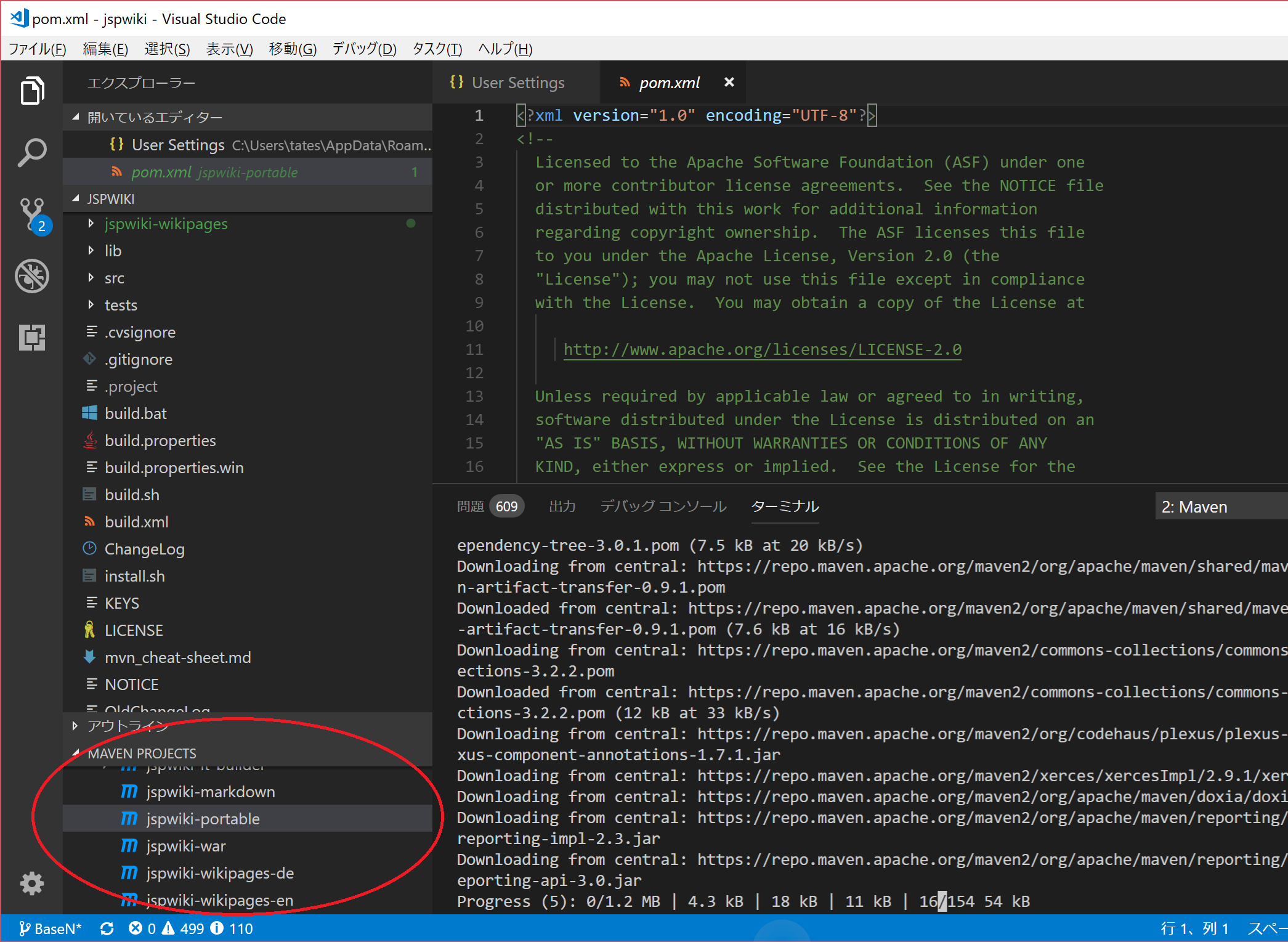
just install maven and set appropriate path. then if you can use command "mvn" in your command prompt, it should be successful. Then let's see maven window in the Visual Studio Code.




























































































































































































































































































































































































































































































































































































Java, Android Studio, Visual Studio Code, JSPWiki
Abstract#
異論はあるかもしれませんが、自分の理解としては、Java用のantやmakeといったコンパイル作業を助けてくれるための便利なツールだと思っています。特に依存関係の扱いがスッキリします。
Topics#
Javaのバージョン#
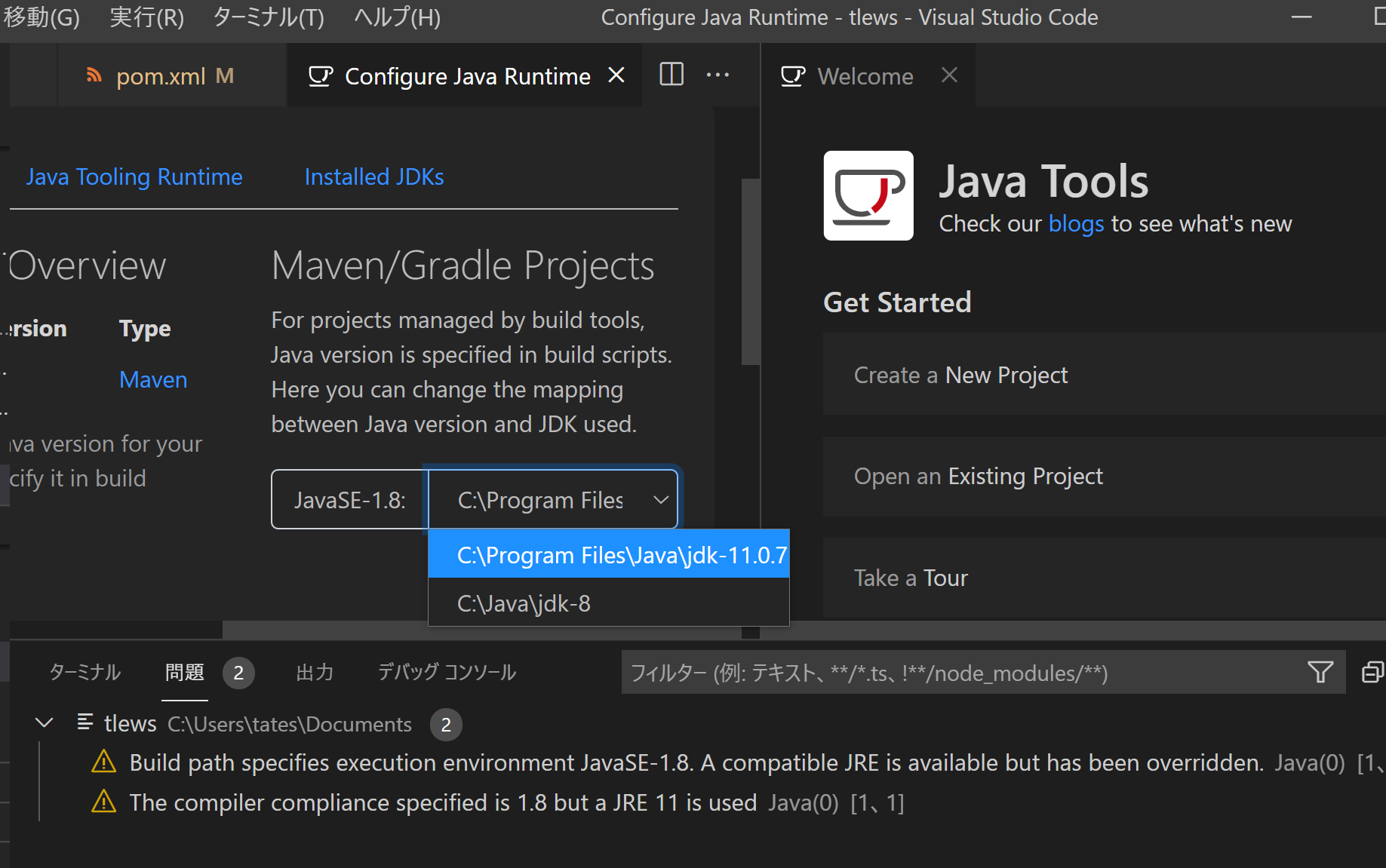
- 2020年4月26日時点で、VSCで使われているMavenのデフォルトのJavaのバージョンは1.5らしい。
が突然出るようにたって、コンパイルできなくなった。1.5に指定しているつもりはないのに。ということで、解決するにはPOM.XMLに以下を追加。<project> ... <properties> <maven.compiler.source>1.8</maven.compiler.source> <maven.compiler.target>1.8</maven.compiler.target> </properties> ... </project>Javaプロジェクトの新規作成#
依存関係#
<dependency>
    <groupId>org.braincopy</groupId>
    <artifactId>braincopy</artifactId>
    <version>1.0.0</version>
    <scope>system</scope>
    <systemPath>${basedir}/lib/braincopy-1.0.0.jar</systemPath>
</dependency>
Maven in Visual Studio Code#
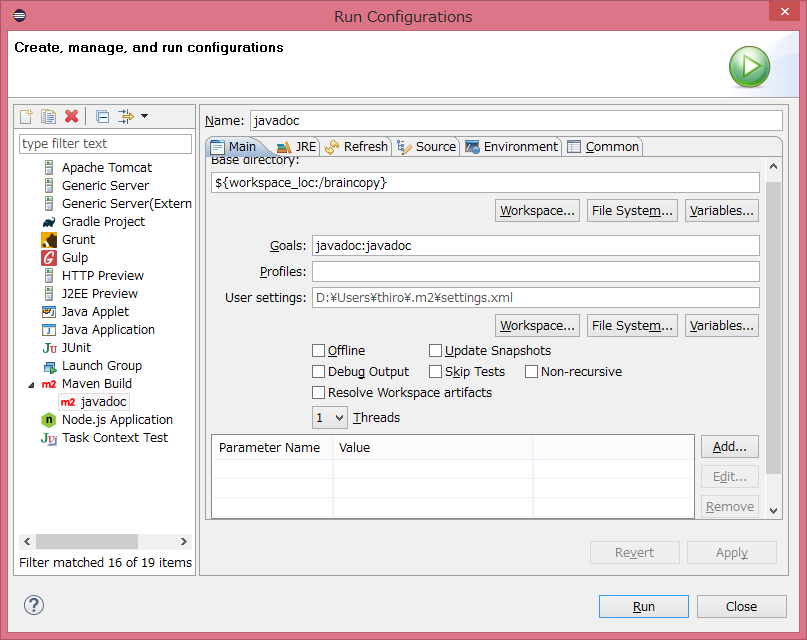
EclipseでMaven#
Reference#